Documentation Index

Fetch the complete documentation index at: https://docs.usebila.com/docs/llms.txt

Use this file to discover all available pages before exploring further.

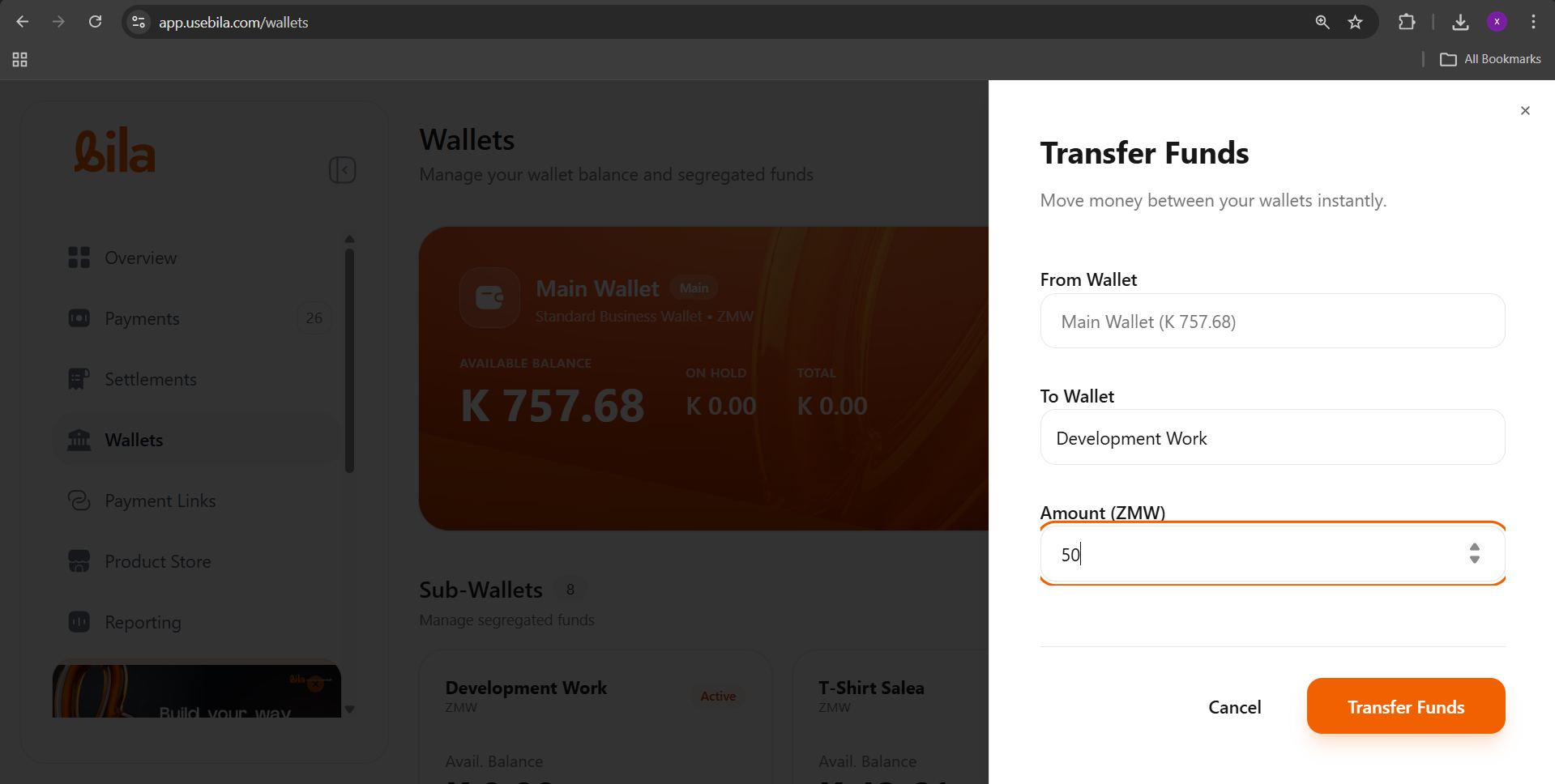
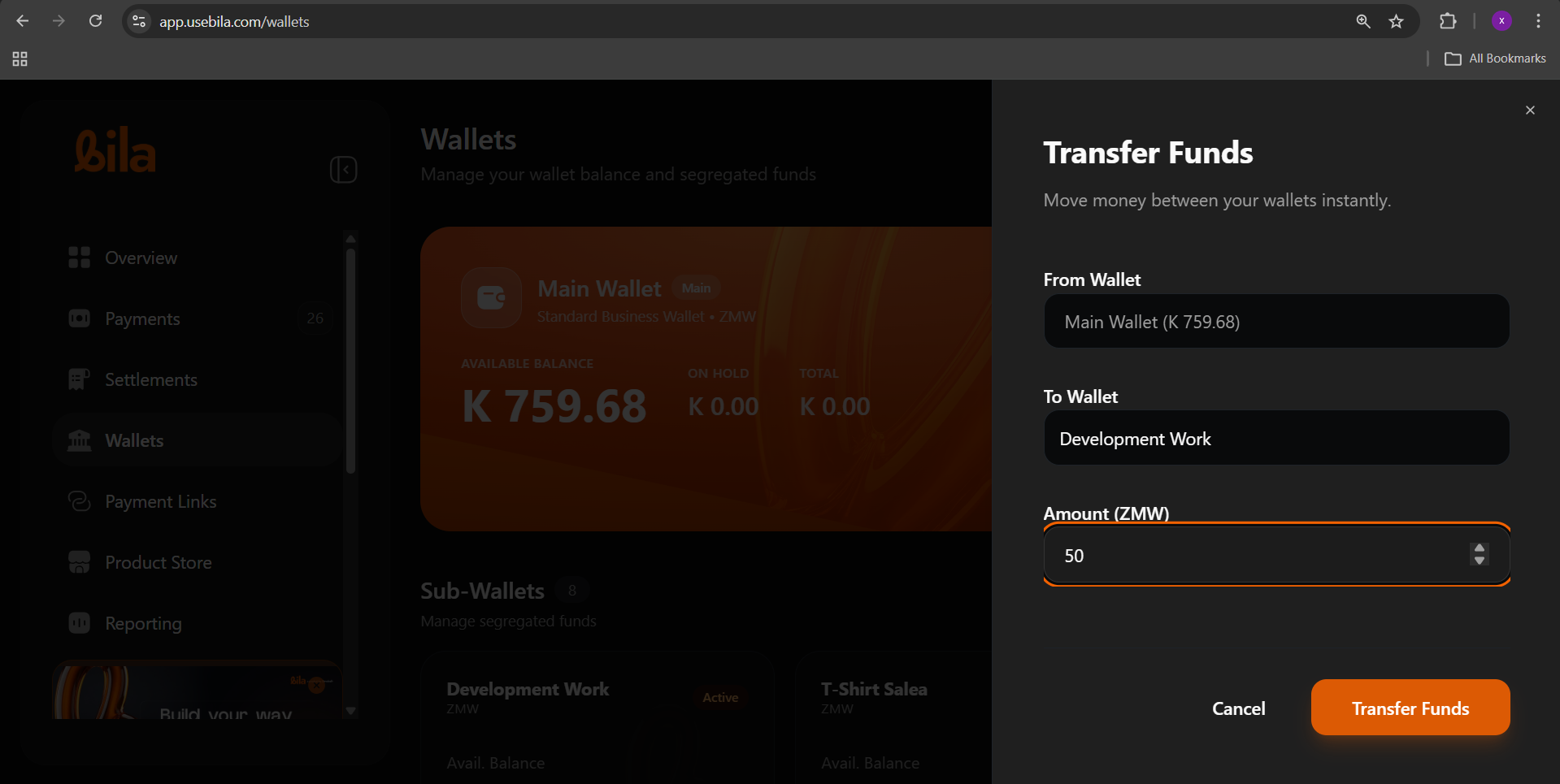
Wallet-to-wallet transfers let you move funds between your Main Wallet and any of your Sub-Wallets instantly, at no cost and with no processing delay. Use them to allocate budgets across business functions, top up a sub-wallet before a spend, or consolidate funds back into your Main Wallet.

Prerequisites

Before you begin, make sure you have:
  • Admin access to your Bila dashboard
  • Sufficient available balance in the source wallet
  • At least one active Sub-Wallet created on your account

Understanding Your Wallet Structure

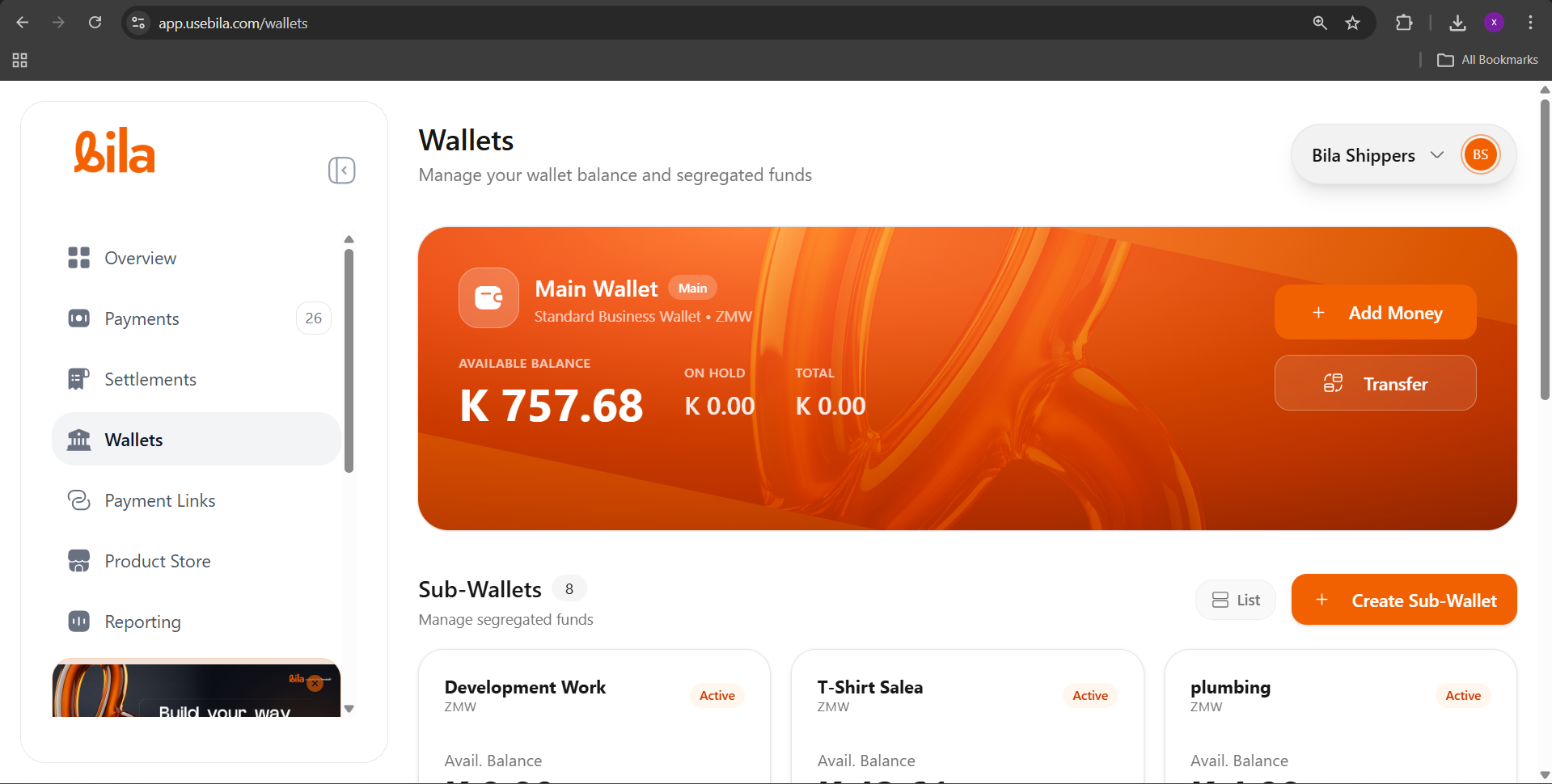
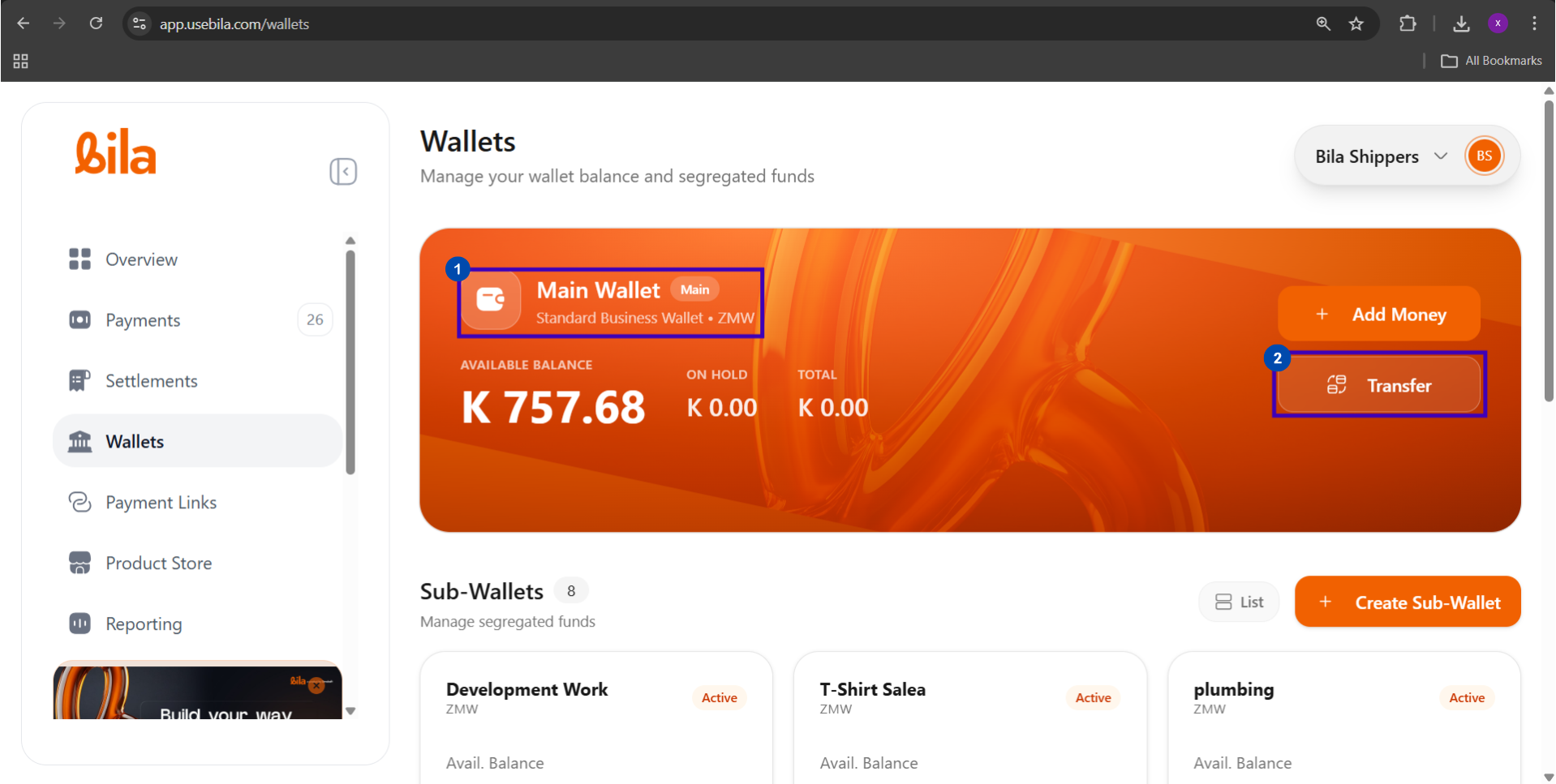
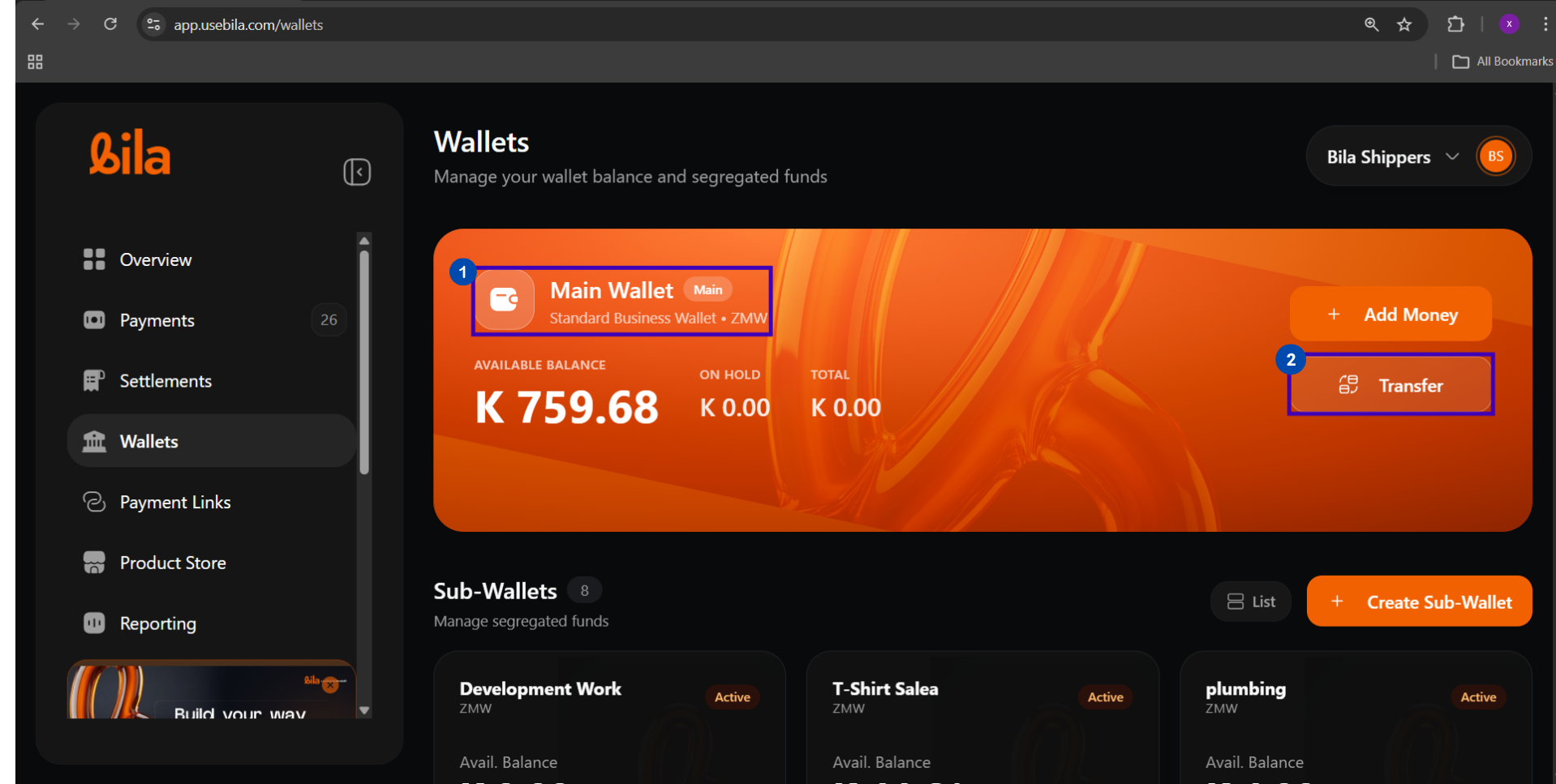
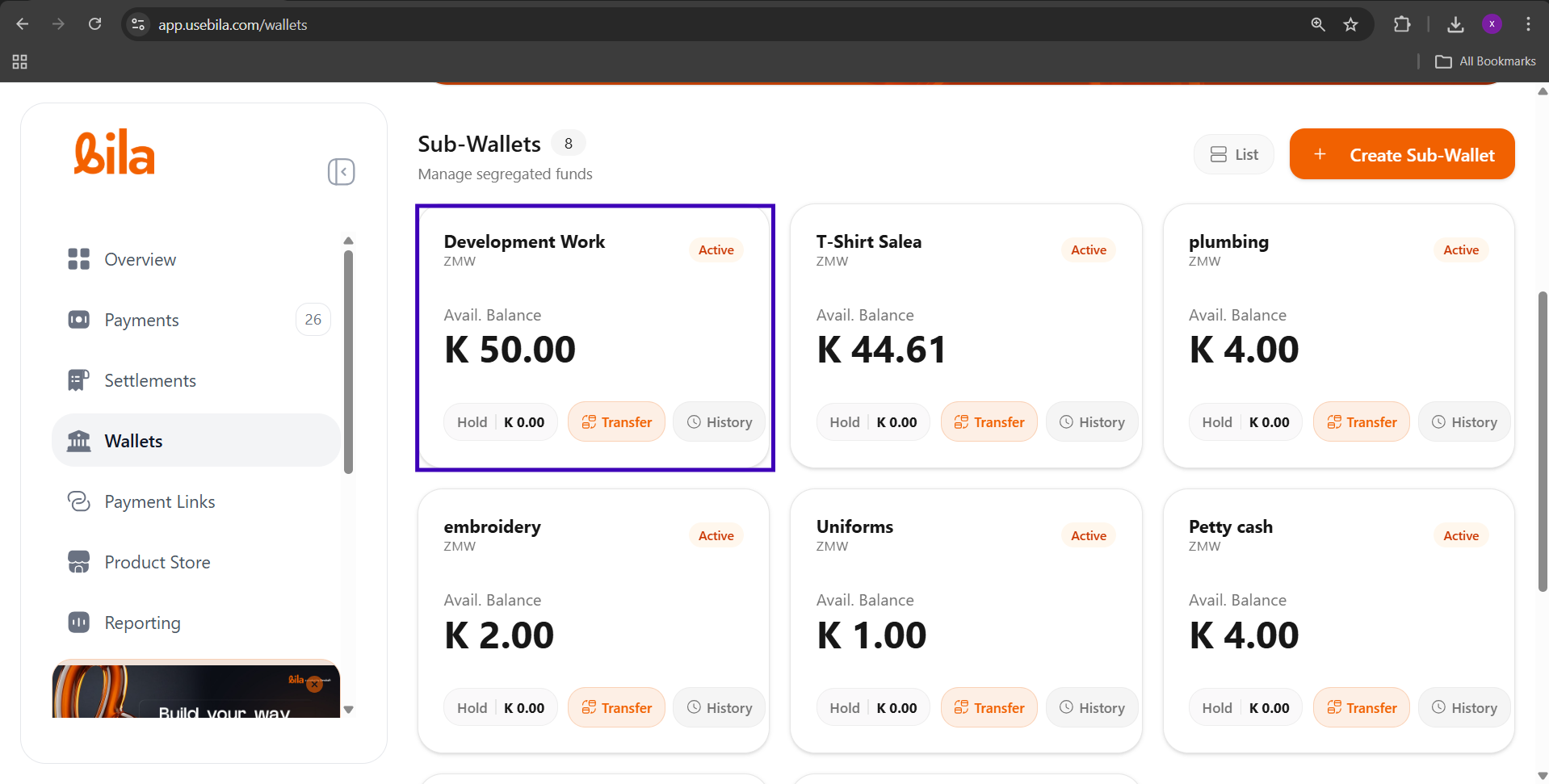
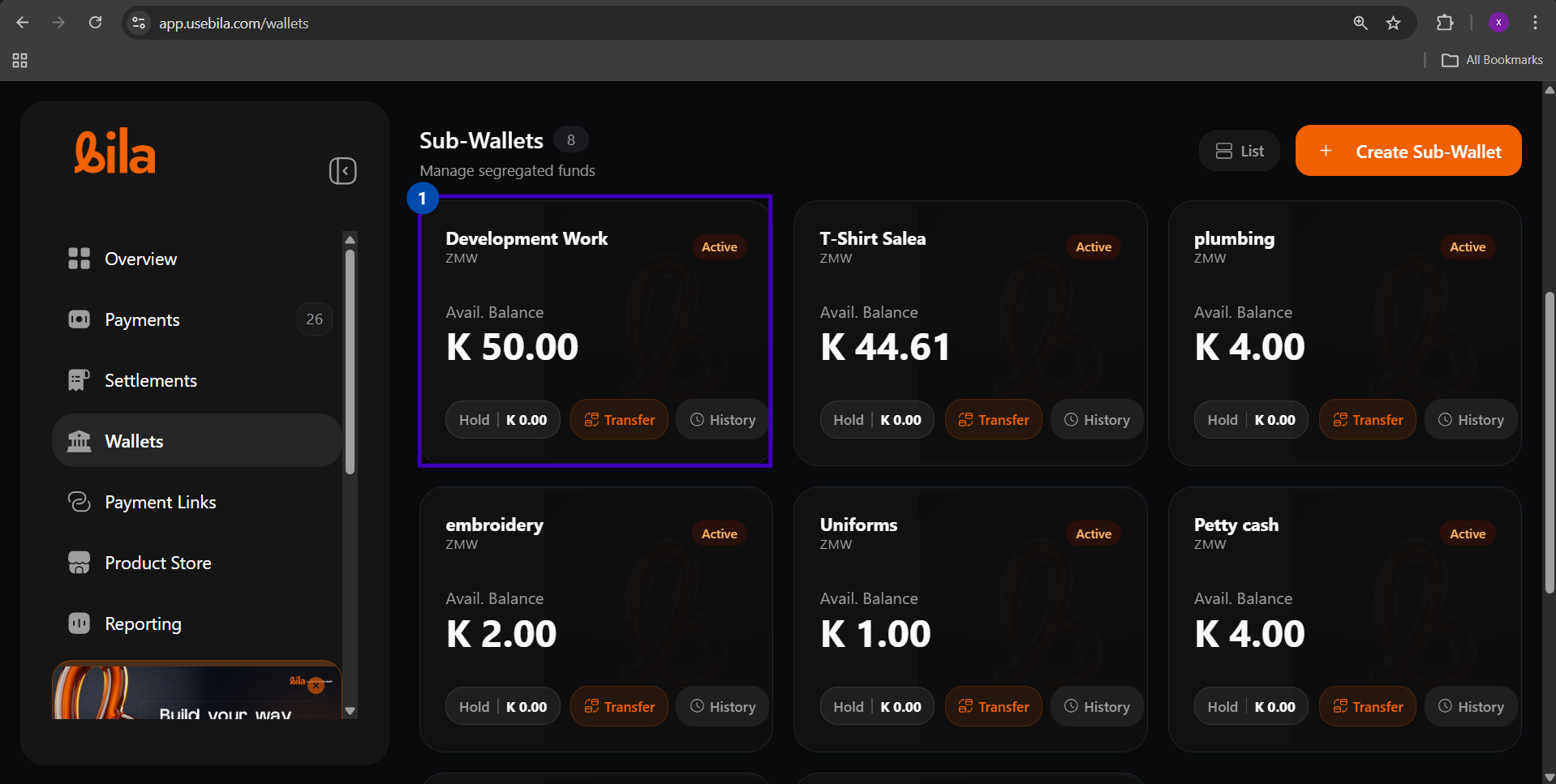
Bila gives every merchant one Main Wallet and the ability to create multiple Sub-Wallets for segregating funds by business function. Screenshot 2026 05 05 121250
Wallet TypeWhat It Is
Main WalletYour primary business wallet. All incoming payments land here by default.
Sub-WalletA segregated fund bucket you create and name, e.g. Development Work, Petty Cash, Salaries
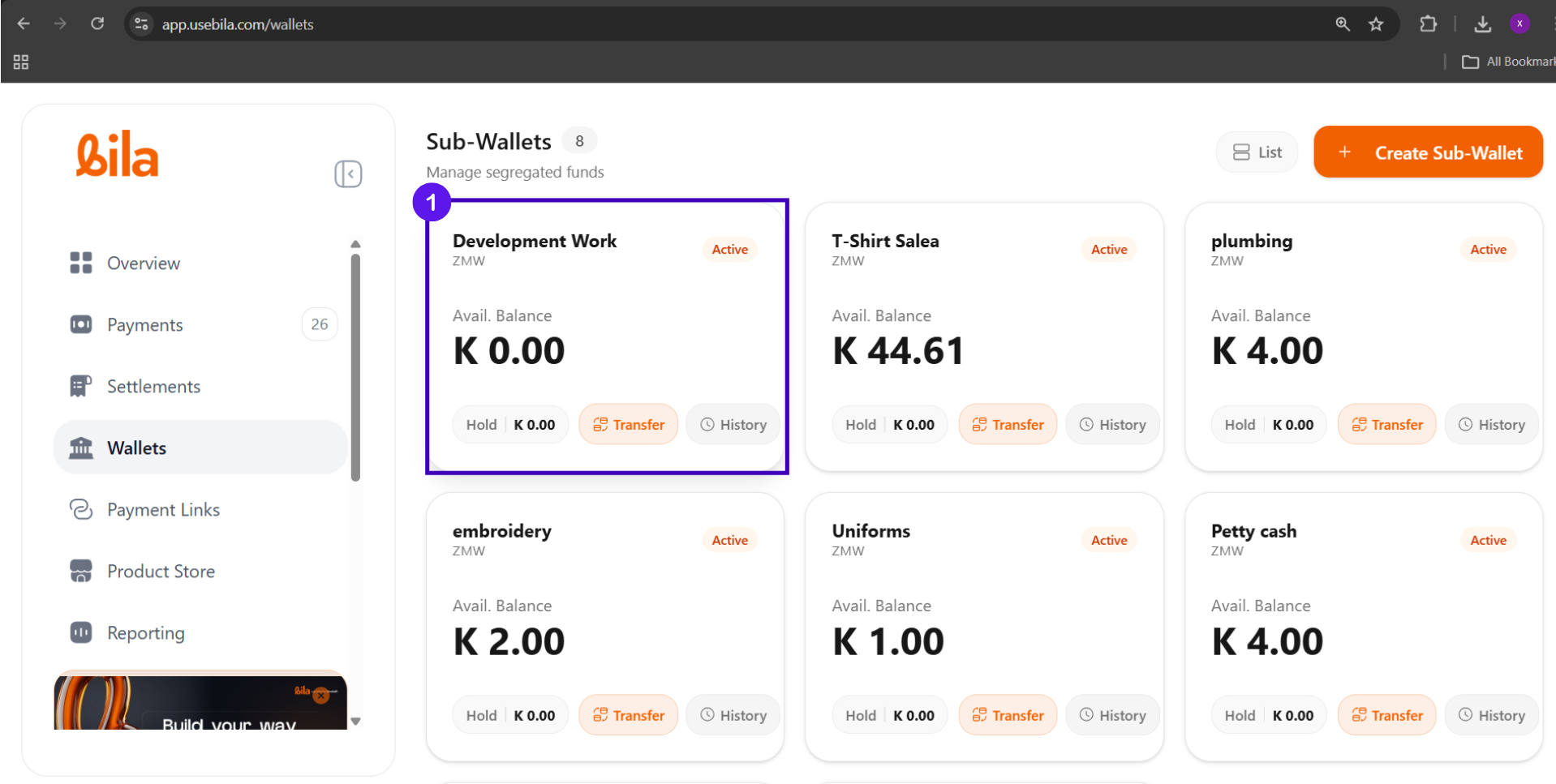
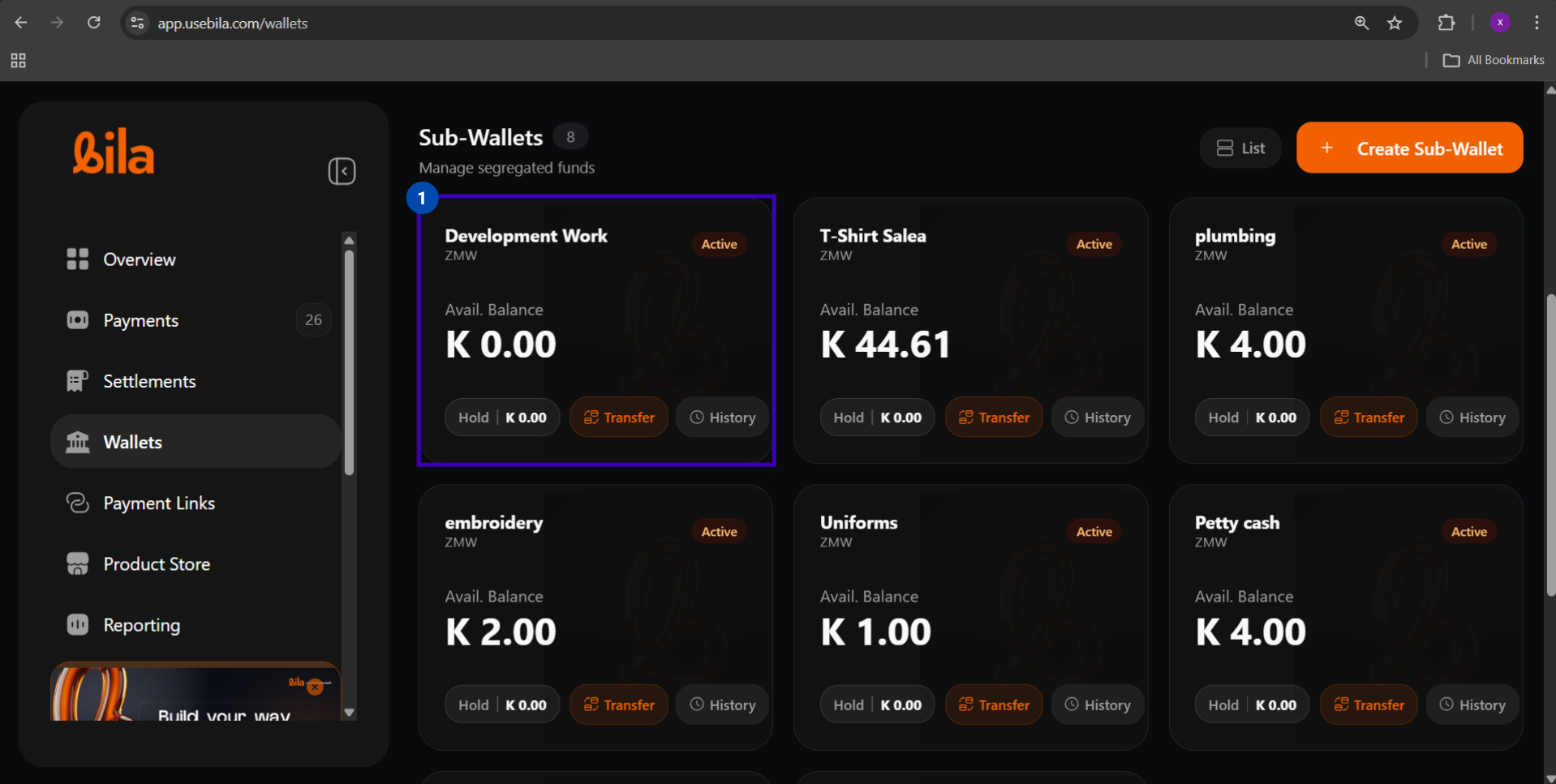
Each wallet card in the Sub-Wallets grid shows:
FieldWhat It Shows
Avail. BalanceFunds available for immediate use or transfer
HoldFunds temporarily reserved and not yet released
TransferInitiates a fund movement from this sub-wallet
HistoryOpens the transaction log for this wallet

Transfer Directions

Transfer DirectionHow to Initiate
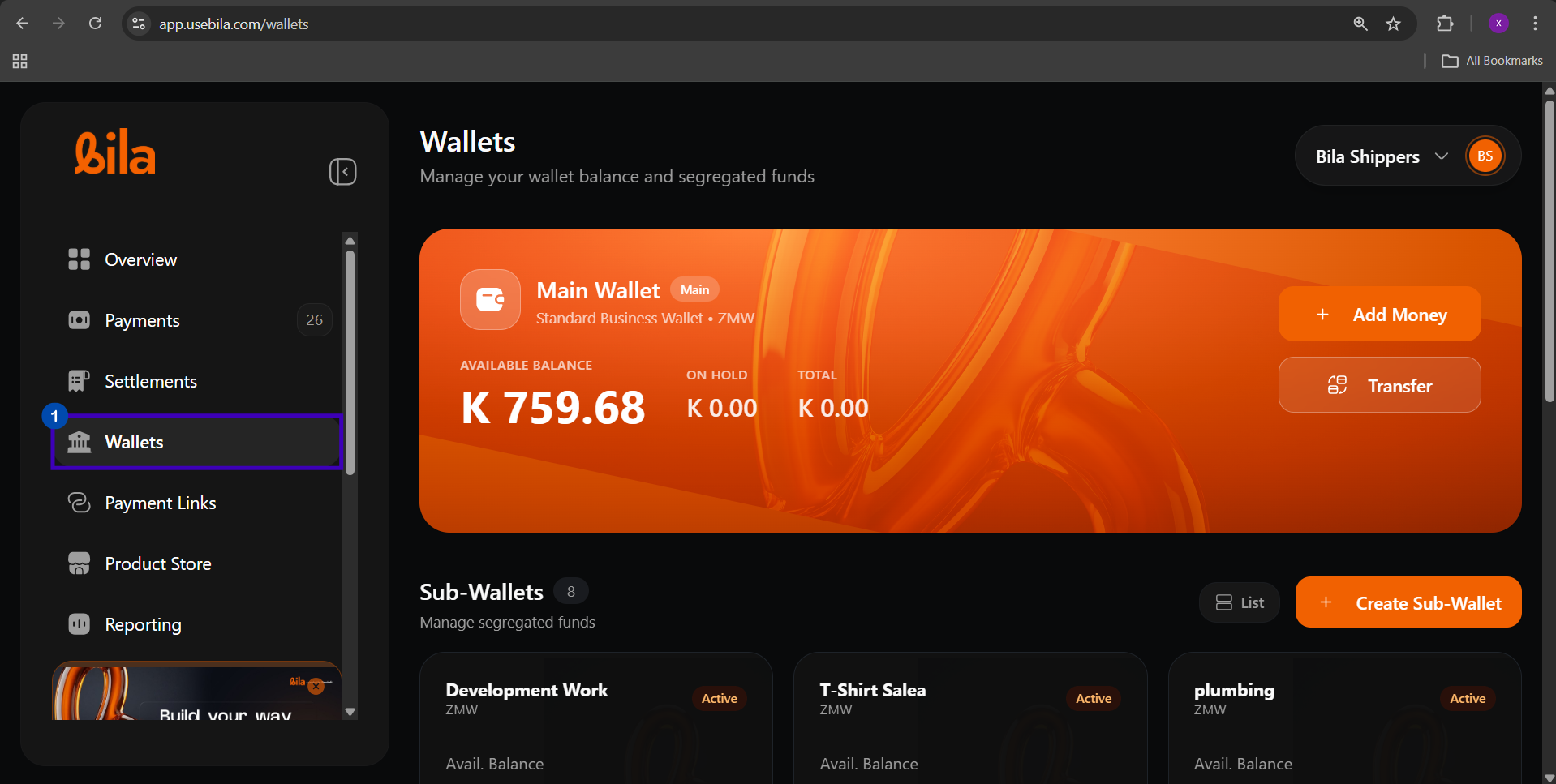
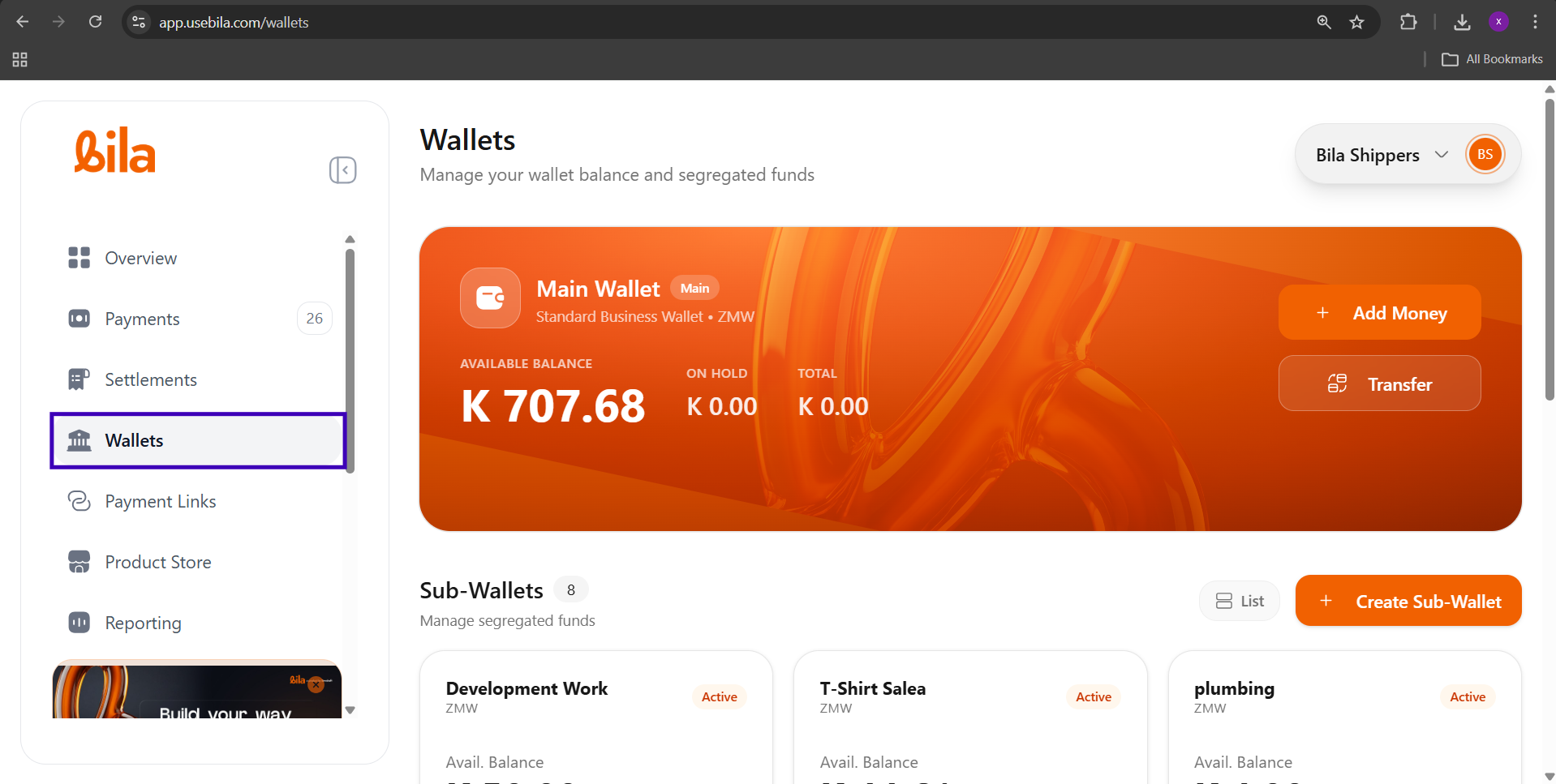
Main Wallet to Sub-WalletClick Transfer on the Main Wallet card
Sub-Wallet to Main WalletClick Transfer on the Sub-Wallet card
Sub-Wallet to Sub-WalletClick Transfer on the source Sub-Wallet card, then select the destination

Steps

Transfer Rules and Limits

RuleDetail
FeesNone. Wallet-to-wallet transfers are free.
Processing timeInstant. Balances update in real time.
Minimum amountZMW 1.00
Maximum amountLimited to the available balance of the source wallet
ReversibilityTransfers cannot be reversed. Initiate a return transfer if a correction is needed.
CurrencyZMW only

Troubleshooting

IssueWhat to Do
Transfer button is greyed outConfirm the source wallet has an Available Balance greater than ZMW 0.00. Hold funds are not transferable.
Amount exceeds available balanceReduce the amount to match or fall below the available balance shown in the From Wallet field
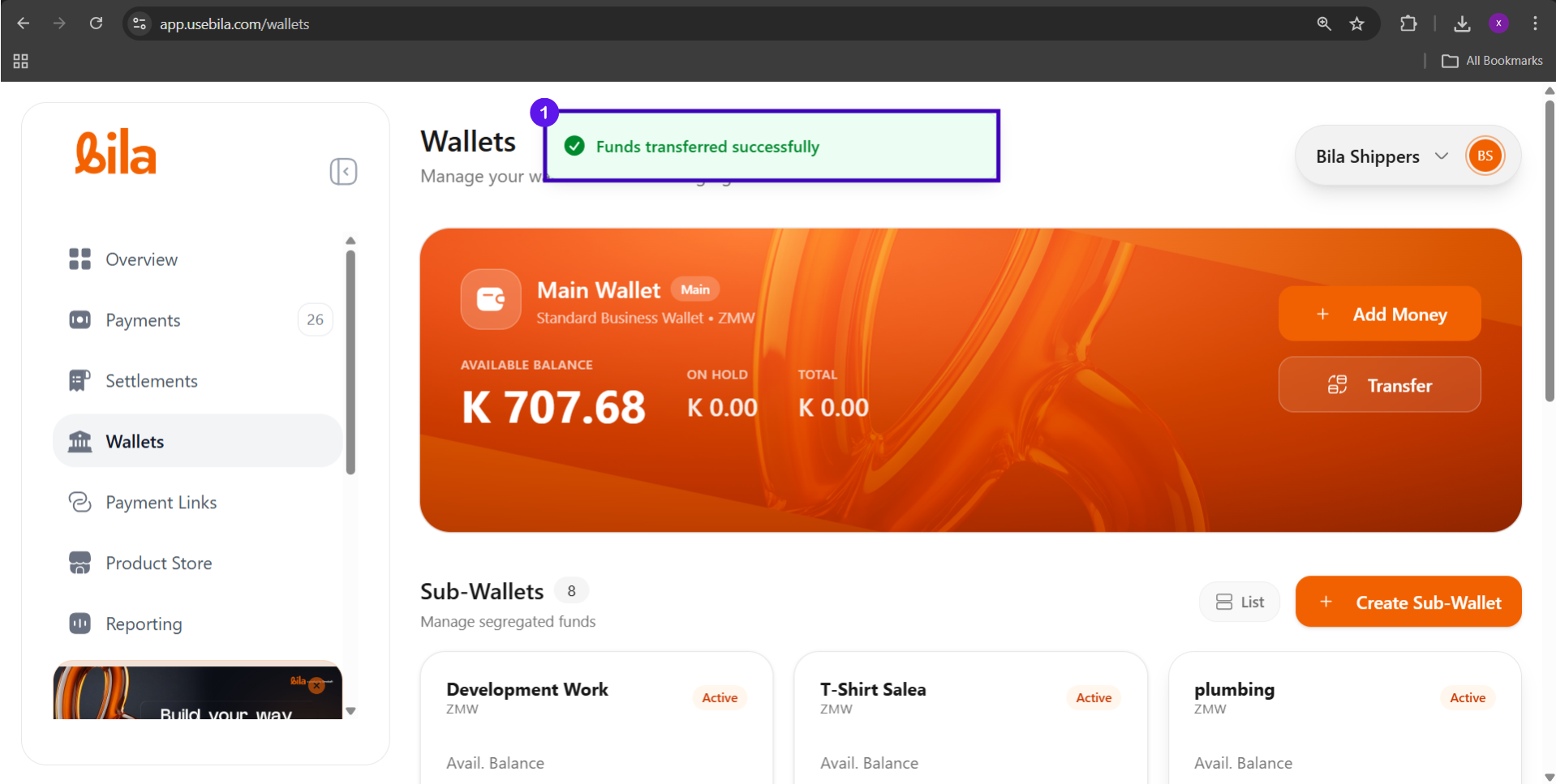
Destination balance did not updateHard-refresh the Wallets page. Balances update in real time but the UI may need a refresh.
Transfer made to the wrong walletInitiate a new transfer in the reverse direction to move the funds back
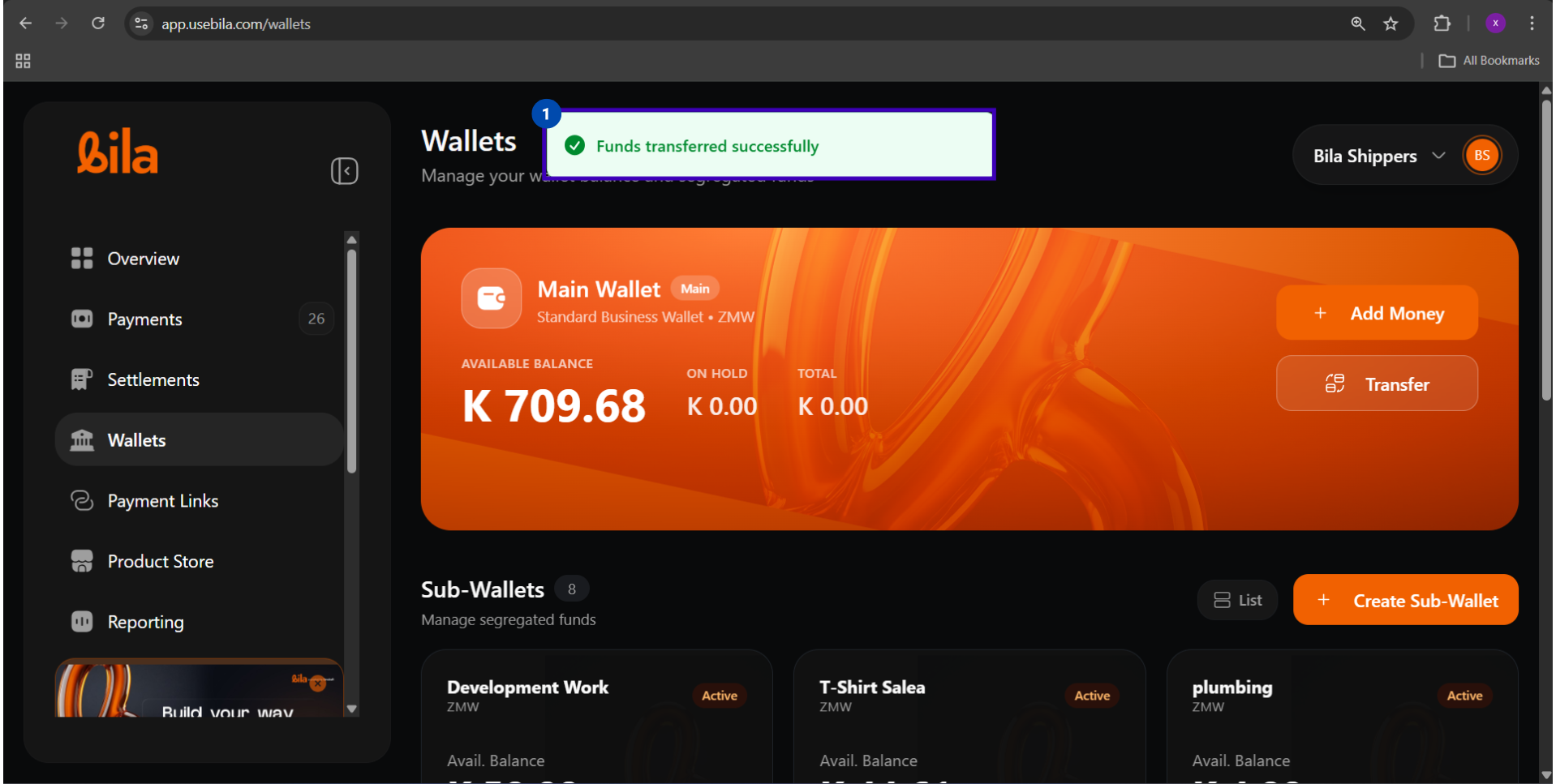
Toast notification did not appearCheck your internet connection and verify the transfer in the wallet’s History log before retrying

Next Steps

Mobile Money Payouts

Send funds from your wallet to an MTN, Airtel, or Zamtel mobile money account.

Bank Payouts

Send funds directly to any Zambian commercial bank account.